Advertisement
Google Ad Slot: content-top
Introduction to Spring Security
Spring Security is a powerful framework that helps protect Java web applications from security threats. It is part of the Spring ecosystem and works seamlessly with Spring Boot. In simple terms, Spring Security helps you control who can access your application, and how they login or authenticate.
Why We Need Security
When you build an application, you need to protect:
- Sensitive data
- Private APIs
- Admin pages
- User accounts
Without security, anyone can call your APIs, view data, and manipulate your application. Spring Security makes it easy to add authentication and authorization.
Security Filters
Spring Security works with a chain of filters that run before your controller logic.
Request → Security filters → Your code
Step 1: Add Spring Security dependency
In your pom.xml, add:
<dependency>
 <groupId>org.springframework.boot</groupId>
 <artifactId>spring-boot-starter-security</artifactId>
</dependency>
Step 3: Controller
import org.springframework.web.bind.annotation.GetMapping;
import org.springframework.web.bind.annotation.RestController;

@RestController
public class TestController {
    @GetMapping("/public")
    public String publicApi() {
        return "public";
    }

    @GetMapping("/private")
    public String privateApi() {
        return "private";
    }
}
Step 3: Run Application
Run your application:
mvn spring-boot:run
Step 4: Check Console Output
When the application starts, you will see something like:
Using generated security password: 8a1f9c20-...

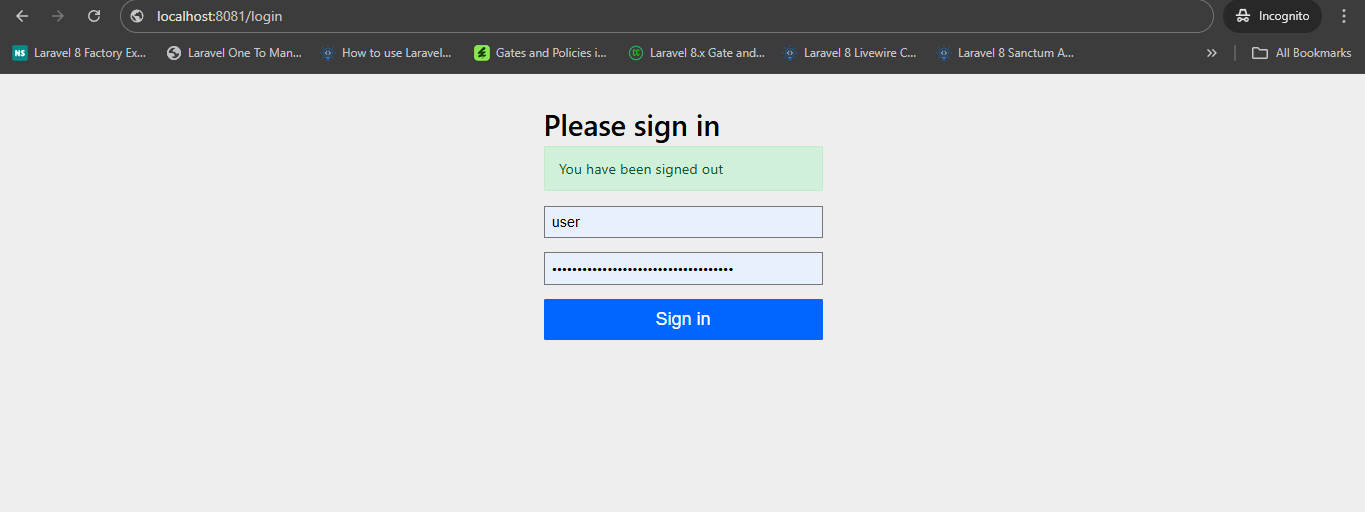
Step 5: Execute Route
Run : http://localhost:8081
This is the default username/password:
USERNAME: user
PASSWORD: (the string printed above)
You can login using this.
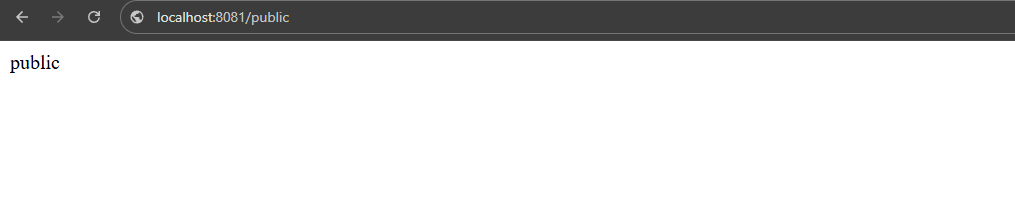
Step 6: After login You can hit controller routes